
Best Accounting Software for Small Business

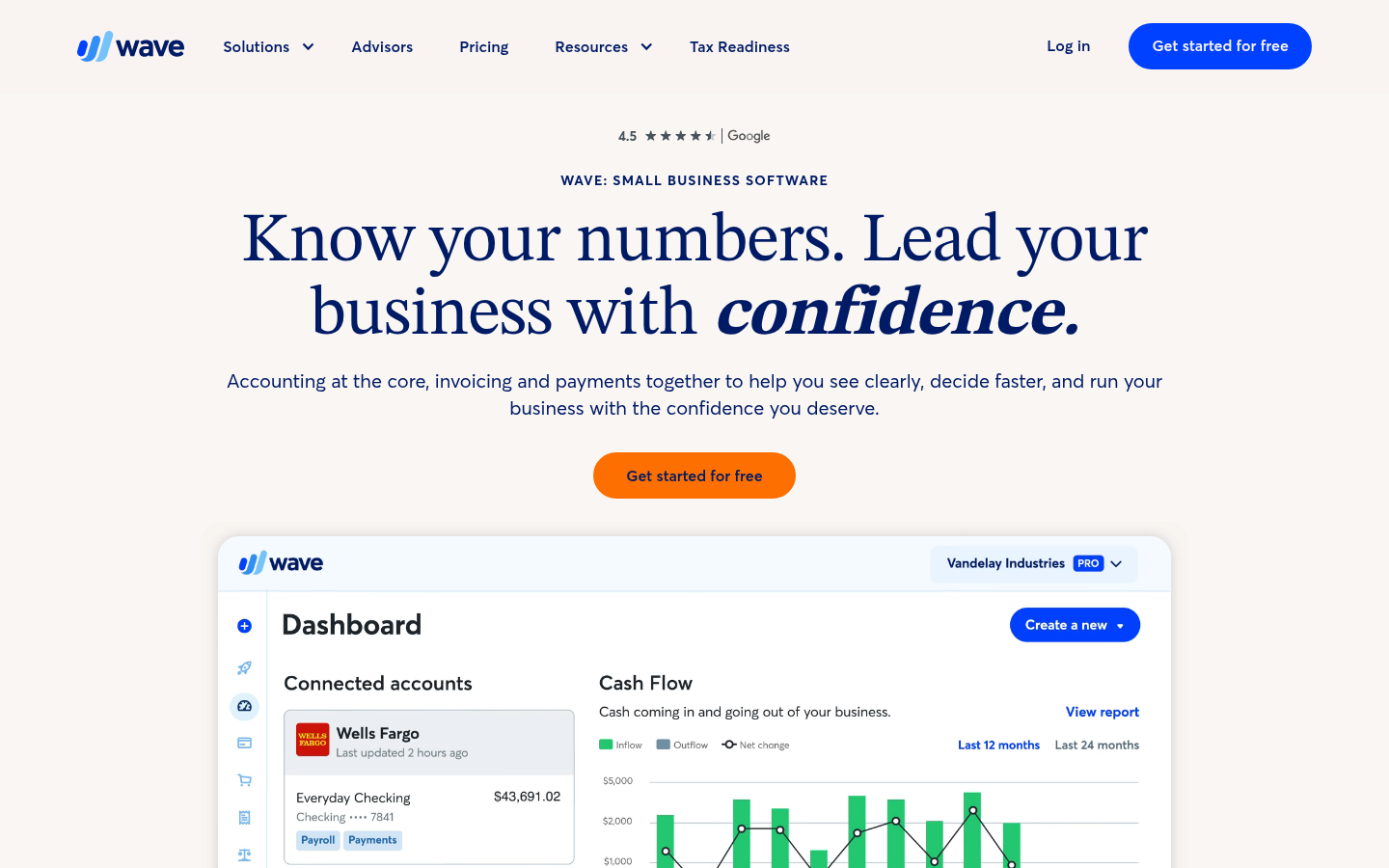
- Wave is the only genuinely free option here. Invoicing and accounting cost nothing. Automatic bank feeds do not, they sit in Pro at $19 a month, or $190 a year.
- FreshBooks Lite is $23 a month. It stops at 5 billable clients, and client six moves you to Plus at $43. Count your clients before you pick a tier.
- Bench is not software. It is a bookkeeping service with people doing the work, and it starts at $199 a month. Judge it against an accountant, not against QuickBooks.
- Bench also went dark. It shut on 27 December 2024, and it trades again under new ownership. That history is why our score is what it is.
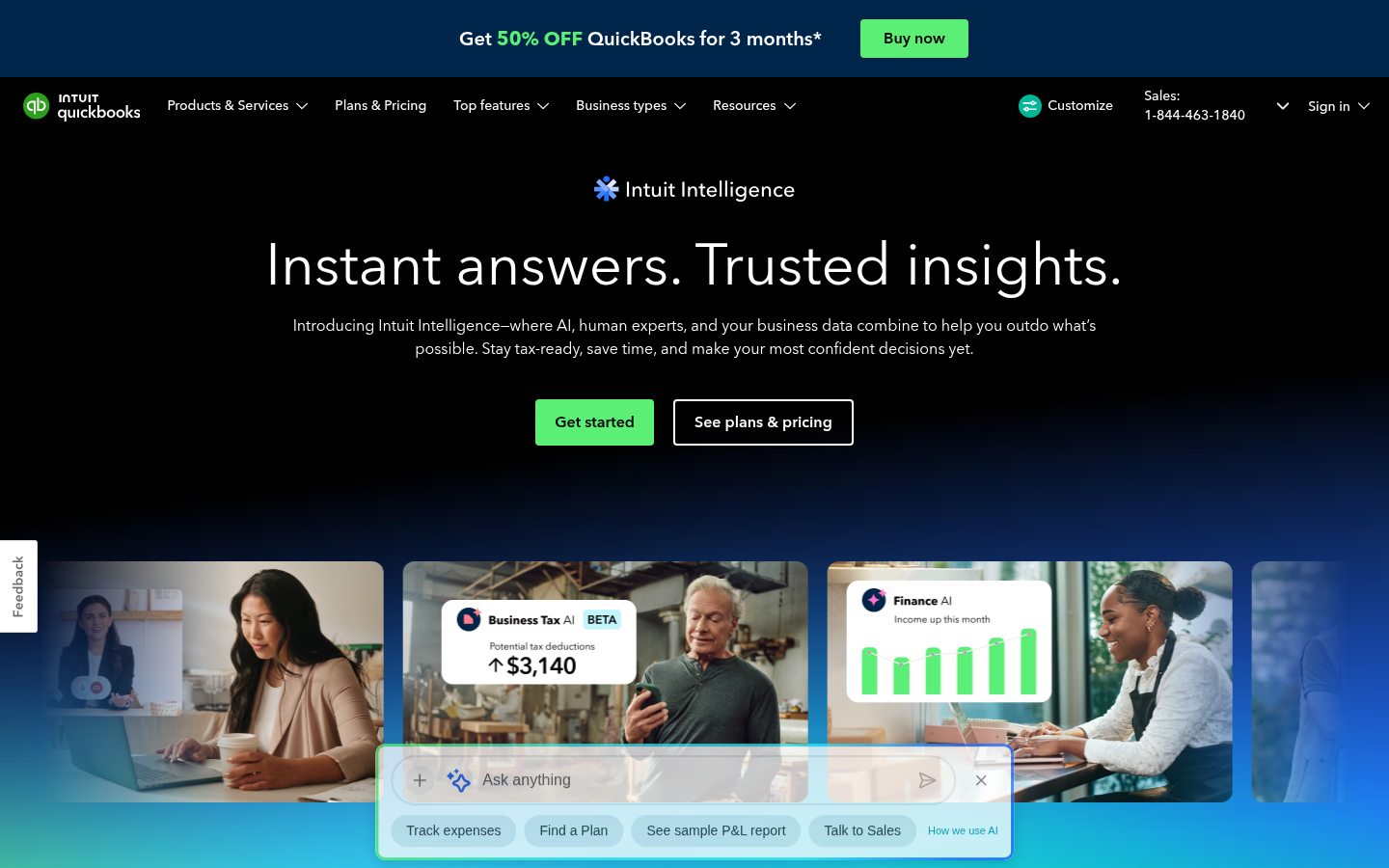
- QuickBooks costs the most here. It is also the one your accountant expects, so if a professional will touch these books, that compatibility is the feature you are buying.
Our top pick scores 3.0 out of 5. Wave scores 3.5. We still picked QuickBooks. Your accountant already has it open, and that is the thing that costs you money in April. Prices below run from $0 a month with Wave to $38 a month with QuickBooks, and we tested all 4.
One warning before the prices. Every vendor here advertises a discount. QuickBooks takes 50% off for 3 months, FreshBooks takes 90% off for 6 months, Wave halves Pro for 3 months. You are signing up for the rate that lands after the promo ends. Those are the rates we quote.

QuickBooks
$38
QuickBooks offers 450+ integrations and near-universal CPA compatibility, making it the most practical choice for growing small businesses.
Get StartedSide-by-Side Comparison
| Feature | |  |  |  |
|---|---|---|---|---|
| Monthly Fee | $38/mo | $0/mo (Starter) | $23/mo (Lite) | $199/mo, or $1,910/yr |
| Minimum Balance/Commitment | None | None | None | None, annual billing saves 20% |
| Free Trial/Plan | 30-day free trial, or 50% off 3 months | Free Starter plan | 30-day free trial, or 90% off 6 months | Free trial, one prior month of books |
| Best For | Growing businesses working with an outside accountant | Bootstrapped solopreneurs needing free invoicing | Freelancers needing time tracking and invoicing | Owners who want a person to do the books |
| Integrations | 800+ apps | Shopify, Etsy, PayPal, Zapier | 200+ | Stripe, Square, Shopify, PayPal, Gusto |
| Bank Feeds Included | Yes, on the $38 plan | No, $19/mo Pro plan | Yes, on the $23 plan | Yes |
| Support Type | Phone and chat on paid plans, 3,599 BBB complaints | Live chat and email, Mon to Fri 9am to 4:45pm ET, paid plans or add-ons only | Email and phone support | In-app messaging with your bookkeeper |
| Rating | 3.0/5 | 3.5/5 | 3.3/5 | 3.0/5 |
Full Reviews
Pros
- Nearly universal CPA compatibility. Your accountant almost certainly already works with QuickBooks, which saves file conversion at tax time.
- Over 800 app integrations, more than any competitor in the bookkeeping category.
- The feature set scales from simple invoicing on the $38 a month plan to accrual accounting, inventory and project profitability on the $140 Plus plan.
- Mobile apps rated 4.6 on iOS and 4.7 on Android, with working invoicing and receipt capture on the go.
Cons
- Unpredictable price rises. Intuit lifted three of its four paid plans in 2026, and the U.S. Trustpilot profile for Intuit sits at 1.1 from 1,488 reviews.
- Support is thin for the price. Phone support comes with any paid plan, but priority support and training are reserved for the $340 a month Advanced tier.
- The AI auto-categorization is overconfident and got about a third of our test transactions wrong, creating more cleanup than it saves.
- A bookkeeper who actually does your books costs from $300 a month, after a cleanup fee that starts at $600. Those two prices sit on separate pages, not on the pricing grid.
Pros
- The Starter plan at $0/month genuinely covers unlimited invoicing, manual expense tracking, and basic financial reports with no trial expiration.
- Invoicing is fast, clean, and professional. Estimates convert to invoices in two clicks, and clients can pay by credit card, ACH, or Apple Pay directly from the invoice.
- Double-entry bookkeeping with cash and accrual basis reporting gives you audit-ready records without needing an accounting degree.
- Zapier integration opens access to thousands of third-party apps, compensating for the limited native integration list.
Cons
- Customer support is the worst in the bookkeeping category. Free users get no human support unless they buy an add-on, and live chat runs Monday to Friday, 9am to 4:45pm ET only.
- Automatic bank feeds, a feature included in the base price of nearly every competitor, require the $19/month Pro plan.
- Multiple users report Wave holding or reversing payments worth thousands of dollars without prior notice, explanation, or timely resolution. Wave's Trustpilot score stood at 3.3 from 533 reviews on September 7, 2026, up from 1.2 from 180 in July. Wave now pays for a Trustpilot subscription that invites reviews.
$23
Pros
- Invoicing is fast, clean, and lets you accept credit card and ACH payments directly, with automated reminders that actually reduce late payments.
- Built-in time tracking and mileage tracking save freelancers from buying a separate tool.
- Mobile apps rated 4.7 (iOS) and 4.8 (Android) make on-the-go billing and receipt capture practical.
- Setup takes minutes, not days. You can send your first invoice within 15 minutes of creating an account.
Cons
- The Lite plan caps you at 5 billable clients. Hitting client 6 forces a jump to $43/mo.
- Bank transaction imports are buggy. Duplicate entries and broken syncs are the most common complaint across Reddit and Trustpilot.
- No built-in tax filing. You still need a separate CPA and cannot generate 1099s natively.
- BBB rating of F and a Trustpilot score of just 3.9 from 984 reviews signal real customer service problems.
- Each additional team member costs $11/mo, making it expensive for even a two-person operation.
$199
Pros
- Clean, well-designed dashboard that made tracking P&L and balance sheets easy for non-accountants.
- Consolidated in-app messaging kept all bookkeeper communication in one searchable thread.
- Direct integrations with Stripe, Square, Shopify, PayPal, and Gusto covered common small business payment tools.
- Hands-off model saved business owners hours of manual data entry each month when it worked as advertised.
Cons
- Abruptly shut down on December 27, 2024, locking 12,000+ businesses out of their financial records during tax season. It has traded again under new ownership since January 2025.
- Relentless bookkeeper turnover. Users reported 5-6 different bookkeepers in under two years, with response times stretching to 5-7+ days.
- Proprietary platform, so your books do not live in QuickBooks or Xero. Bench exports every report to Excel and keeps your login after you cancel, but rebuilding elsewhere is still manual work.
- Now owned by Employer.com, an HR tech company with no prior bookkeeping track record, which acquired Bench in under 72 hours.
- Pre-paid customers were told to pay an additional $1,000+ or re-enroll at $3,000+ to get their 2024 books finished after the acquisition.
How to Choose
You are a growing business with 5+ employees and work with an outside CPA at tax time.
Nearly every CPA already runs QuickBooks. That kills file conversion fees and errors. Over 800 integrations mean you will not outgrow it when you add payroll or inventory.
You are a solo freelancer with no software budget who just needs to send invoices.
Wave's Starter plan is $0 with unlimited invoicing and basic reports. Nothing cheaper looks this professional. Card payments cost 2.9% plus $0.60 per transaction.
You need time tracking and project billing for client work.
FreshBooks builds in time tracking and mileage, so you skip a second tool like Toggl. Setup takes minutes.
You are a service business billing fewer than 5 clients a month.
The $23 Lite plan covers 5 billable clients with invoicing, time tracking, and receipt capture. It is the cheapest paid option for low volume work. Client 6 costs $43.
You need automatic bank feeds and want to spend as little as possible.
FreshBooks includes bank feeds on the $23 Lite plan. QuickBooks includes them too, at $38. Wave charges $19 a month for feeds on Pro, which makes the free plan more expensive than it looks.
You are a non-technical founder who wants someone else to do the books.
QuickBooks Live puts a bookkeeper on the platform your CPA already uses. Bench and Wave Advisors do this too, from $199 and $149 a month. The difference is the file. Everyone can read it.
You need to track inventory alongside invoicing and expenses.
QuickBooks is the only option here that tracks inventory. It starts on the $115 Plus plan. FreshBooks and Wave do not offer it at all.
How We Picked
We started with the 4 platforms owners ask us about most. Each was scored on 4 things. Pricing and real cost carries 30%. Ease of use and setup speed carries 25%. Integrations and accountant compatibility carry 25%. Support carries 20%.
Pricing meant the rate you pay in month 7. Not the headline. A $0 plan that charges $19 a month for bank feeds is not free. We counted per user fees, upgrade triggers, and add-ons. Every plan below was priced from the vendor's own page, not from a press release. Wave, FreshBooks and Bench were re-checked on August 19, 2026. QuickBooks was last read on July 15, 2026.
Support scores came from BBB complaint volumes, Trustpilot, and Reddit threads. QuickBooks carries 3,599 BBB complaints. Wave holds a Trustpilot score of 1.2 out of 5 from 180 reviews. Those numbers are our scorecard inputs, and they are why our top pick only scores 3.0.
Who Needs This
Every business that earns money needs a way to keep books. If you invoice, track expenses, or file business taxes, you need records that produce a real profit and loss statement. A spreadsheet works for month one. After that the errors compound, and they surface in April.
Owners who use an outside CPA gain the most here. Your accountant gets categorized transactions and reconciled feeds instead of a folder of CSV files. That saves real money. It can cut a few hundred dollars off a tax prep bill. It is why we weight CPA fit at 25%.
You may not need paid software yet. A side project earning under $10,000 a year with fewer than 5 clients runs fine on Wave's $0 Starter plan. That changes fast. Hire a contractor, open a business account, or start paying quarterly estimated taxes and the software pays for itself.
In-Depth Comparison
For most owners this is QuickBooks against Wave against FreshBooks. QuickBooks starts at $38 a month. That is more than FreshBooks at $23 and infinitely more than Wave at $0. QuickBooks earns it in one place. It connects to over 800 apps, and nearly every CPA in the country already runs it.
Wave is the budget winner. The limits are real though. Automatic bank feeds cost $19 a month on the Pro plan, and both rivals include feeds in their base price. Card payments cost 2.9% plus $0.60 per transaction. Wave's Trustpilot score is 1.2 out of 5 from 180 reviews, driven by reports of held funds. For invoicing only, the free tier is genuinely good. For moving money, read those reviews first.
FreshBooks sits in between. Its Lite plan is $23 a month and caps you at 5 billable clients. Client 6 pushes you to Plus at $43. Each extra team member adds $11 a month. Invoicing is the fastest here. Time tracking is built in, so you skip Toggl.
QuickBooks costs the most and scores 3.0 on our card, the lowest of the three. Support is why. It carries 3,599 BBB complaints, and the AI categorization guesses wrong often enough that you will check its work. We still pick it. A tool your CPA cannot open costs more than a tool with slow support.
What to Avoid
Avoid signing an annual plan on a promo rate. Every vendor here discounts the first months, then bills the real price. FreshBooks advertises 90% off for 6 months. QuickBooks advertises 50% off for 3. Wave halves Pro for 3. Price the month after, not the month you sign.
Watch the upgrade triggers. FreshBooks caps its $23 Lite plan at 5 clients, and client 6 forces $43. Wave's free plan has no bank feeds, so real bookkeeping means $19 a month. Bench bills its Grow plan at $199 a month, or $1,910 up front for the year. Read the tier you will actually land on.
Test the export before you commit. Bench froze in December 2024 and locked owners out during tax season. It runs again now, and it exports every report to Excel. That is the point. You only know a platform will let go of your data if you have made it let go once.
Alternatives Worth Considering
FreshBooks is the pick for freelancers who bill by the hour. If your work is tracking time, sending invoices, and chasing payment, it beats QuickBooks at half the price. The $23 Lite plan covers a solo consultant. Stay under 5 clients.
Wave works as a starter tool. The $0 Starter plan sends unlimited invoices and tracks expenses by hand, which is enough to test whether a business is real. Once money moves regularly you will want bank feeds. That is Wave Pro at $19 a month, or a move to QuickBooks.
Bench is the hands-off option, and it comes with history. It shut down on December 27, 2024, locking out more than 12,000 businesses, then Employer.com bought it days later. It has been trading again since January 2025, and it now sells a certified bookkeeper who works inside your own QuickBooks account at $55 an hour plus $1,200 to onboard. That last product is the interesting one. Your books live in QuickBooks, so a second shutdown would cost you a bookkeeper, not your records. We score Bench 3.0, up from 2.5. It is trading, every report exports to Excel, and your login survives cancellation, so the records lockout that made 2024 so ugly is answered. That is not the same as a clean record. A company earns back reliability by being reliable for a while.
Want software to categorize and reconcile for you? See our AI bookkeeping tools comparison. Several sit on top of QuickBooks. Still choosing a structure? Our LLC tax guide covers what your books have to produce.
Our Methodology
We scored each platform on 4 weighted criteria. Pricing and value 30%, ease of use 25%, integrations and CPA compatibility 25%, support 20%. Pricing was measured on real cost. That includes add-ons for bank feeds, extra users, and bookkeeping help. Ease of use came from setup time, app store ratings, and the learning curve for people who are not accountants.
Every price here was read off the vendor's own pricing page, and each one links back to it. Wave, FreshBooks and Bench were re-read on August 19, 2026. None had moved. QuickBooks was last read on July 15, 2026. We also read complaints on BBB, Trustpilot, and Reddit. A platform with good features and a Trustpilot score of 1.2 out of 5 loses points for it, even when we still recommend it.
Frequently Asked Questions
About the Author
Editor, StartupOwl
Eliot leads StartupOwl's state data research. He maintains the site's fifty state records of LLC filing fees, annual costs, processing times, and small business grant programs, checking each figure against the state office that publishes it and logging the date it was verified. Based in New Jersey, he has spent his working life in and around small businesses, and he writes for the founder who wants the real number rather than the advertised one. Every figure under his byline traces to a named source, and when a state proves a number wrong, the correction is published, not buried.
Was this article helpful?
Questions about Best Accounting Software for Small Business
No comments yet. Ask the first question and a member of our team will answer.
Leave a comment